Live demo: how the hub routes a request
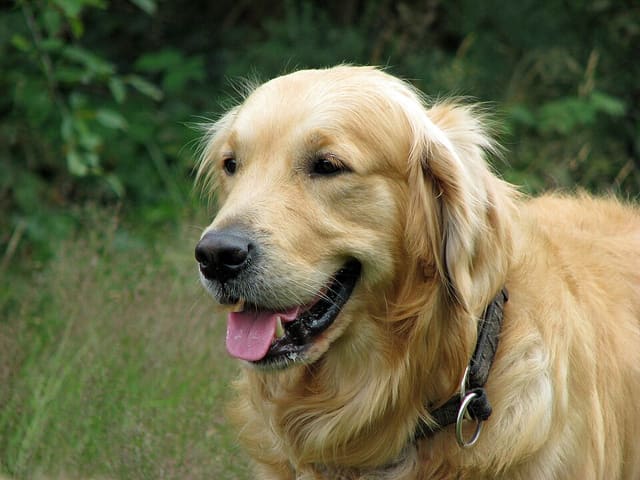
Pick a photo and see which node the hub would send it to: a phone GPU, a TV NPU or a Mac, using the latencies measured in the registry. Then let your own browser join as a node and classify the photo itself.
Tip: click a node in the diagram to take it offline and watch the hub fail over.
3. Join as a node
Your browser becomes a real node: it downloads about 7.5 MB from this site (a 3.5 MB MobileNetV2, int8, Apache-2.0, and the ONNX Runtime WebAssembly, about 4 MB compressed), checks the model’s SHA-256, benchmarks itself and joins the list.
Routing decision
Preview: Living Room TV · NPU chosen: efficientnet-lite4-int8 works with tweaks on nnapi:mtk-mdla_shim, 22 ms (~72 ms per request).
- #1 Living Room TV · NPU · nnapi:mtk-mdla_shim22 ms
- Pixel 7 Pro · GPU: does not have this model
- Mac · Apple Silicon: does not have this model
What is simulated
The Pixel, TV and Mac nodes are simulated in this page. Their latencies are the measured numbers from the registry (for example EfficientNet-Lite4 at 22 ms on the TV’s NPU). The routing rule is the hub’s: loaded first, then the lowest measured latency, then the least busy; a model that fails on a device is never routed there.
What is real
“Join as a node” runs MobileNetV2 1.0 (int8, ONNX opset 12) with ONNX Runtime Web (WebAssembly) in this tab, on your CPU. The latency it shows is your own device’s. Both the runtime and the model are served from this site; the model’s SHA-256 is checked before it runs, as the gateway does.
What stays private
Everything. Your photo is read from a local file into a canvas and is never sent over the network, not to us and not to a hub. This page sets no cookies and loads no third-party scripts.
Model: MobileNetV2 from the ONNX Model Zoo, Apache-2.0, 68.30 % ImageNet top-1 (published). Sample photos: CC0, from Wikimedia Commons (attribution).